
Call us now :07971191065
 Send Inquiry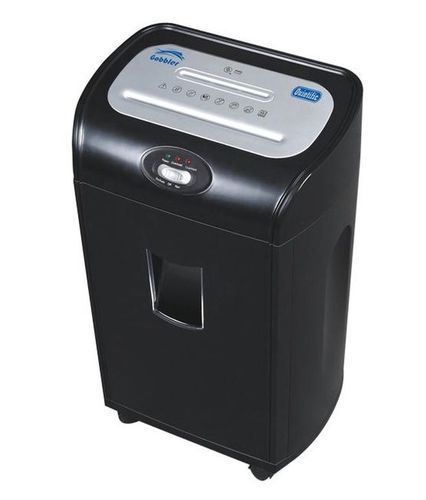
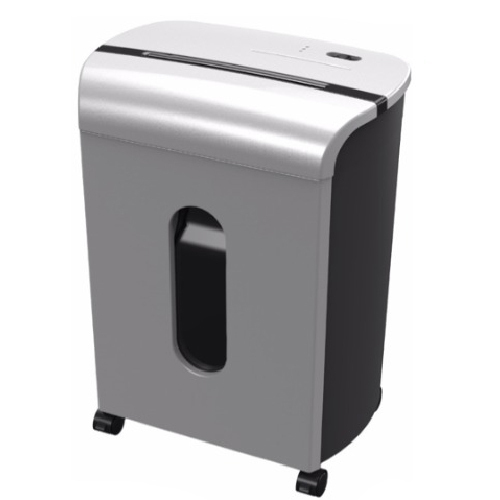
Gobbler GS15CD Paper Shredding Machine
10500 INR
Product Details:
- Model No GS15CD
- Product Type Shredder
- Material ABS Plastic, Metal
- Usage Paper, CD, Credit Card Shredding
- Function Shredding Paper, Credit Cards, CDs
- Size Medium
- Weight Approx. 13 kg
- Click to View more
X
Gobbler GS15CD Paper Shredding Machine Price And Quantity
- 10500 INR
- 1 Piece
Gobbler GS15CD Paper Shredding Machine Product Specifications
- A4
- Shredding Paper, Credit Cards, CDs
- Cross Cut, Shreds CD and Credit Card, Auto Start/Stop, Reverse Function, Overheat Protection
- GS15CD
- ABS Plastic, Metal
- Approx. 13 kg
- Office, Banks, Institutions, Industrial Shredding
- Paper, CD, Credit Card Shredding
- 15 Sheets at once, 26 Litre Waste Bin
- Shredder
- High Security Shredding, 15-sheet capacity
- Medium
- Yes
- 30 Minutes
- 220 mm
- Cross-Cut
- 350W
- 220V
- 15 Sheets (70 gsm) / 1 CD / 1 Card
- 4 x 38 mm
- 26 Liters
- <70 dB
- Yes
Gobbler GS15CD Paper Shredding Machine Trade Information
- 2 Days
- South India
Product Description
Specification
| Model | GS15CD |
| Brand | Gobbler |
| Can Shred | Paper with Staples, Separate CD destruction |
| Cut Size | 4 x 52 mm |
| Security Level | S-3 |
| Throat | 220 mm |
| Bin Volume | 18 litres |
| Noise Level | 64 DbA |
| Gross Weight | 5 Kg |
| Dimensions | 340(H) x 240(W) x 524(D) mm |
| Warranty on Cutters | 1 Year |
| Warranty on full Machine | 1 Year |
| Maximum Daily Shredding Capacity | 500 (A4 sheets) |
| Sheet Capacity Per Pass | 15 (70 gsm) |
| Minimum Order Quantity | 1 Unit |
Due to the rich industrial practice and proficiency in this field, we are affianced in providing highly qualitative Office Paper Shredders at a very reasonable price.
Powerful Cross-Cut Shredding Performance
Engineered for advanced security, the Gobbler GS15CD turns confidential documents, credit cards, and CDs into cross-cut particles, ensuring sensitive information is thoroughly destroyed. The 15-sheet capacity and wide 220 mm entry provide versatile spinning for A4 papers and media, making it indispensable for medium-sized offices or institutions.
Long Continuous Operation and Safety
The GS15CD delivers uninterrupted shredding for up to 30 minutes with its built-in thermal protection, preventing overheating. An auto start/stop feature and reverse function improve operational safety and ease, while the noise level remains comfortably below 70 dBideal for busy workplaces.
Spacious Waste Bin and User-Friendly Design
A 26-litre bin reduces frequent emptying, supporting efficient workflow in high-volume scenarios. The machines robust ABS plastic and metal build ensures lasting durability, while its intuitive controls simplify shredding tasks for users across organizations.
FAQs of Gobbler GS15CD Paper Shredding Machine:
Q: How does the Gobbler GS15CD handle different materials for shredding?
A: The GS15CD is designed to shred up to 15 sheets of A4 paper at once, as well as CDs and credit cards. It uses a cross-cut mechanism to reduce these materials into small 4 x 38 mm pieces, providing high security and versatile shredding beyond just paper.Q: What is the process for emptying the waste bin on the GS15CD shredder?
A: When the 26-liter waste bin is full, simply turn off the shredder, open the bin compartment, and carefully lift out the container to dispose of shredded material. The large bin capacity minimizes the frequency of emptying, helping maintain workflow efficiency.Q: Where is the Gobbler GS15CD best suited for use?
A: This shredder is ideal for offices, banks, educational institutions, and industrial facilities in need of secure data destruction. Its medium size and robust features ensure it integrates seamlessly into professional environments handling high volumes of sensitive documents.Q: When should I use the reverse function on this shredder?
A: The reverse function is useful if there is a paper jam or a piece of material is stuck. Activating the reverse option temporarily reverses the motor, allowing you to safely clear jams without damaging the shredder.Q: What benefit does the thermal protection feature provide?
A: Thermal protection prevents the machine from overheating during extended use. If the shredder overheats, the built-in sensor stops operation until it cools down, thereby prolonging the machines lifespan and ensuring user safety.Q: How does the auto feed function enhance shredding efficiency?
A: The auto feed feature allows the shredder to start and stop automatically when paper is inserted or removed, streamlining the shredding process and enabling quick, hands-free operation. This is especially useful during busy periods in office environments.Tell us about your requirement

Price:
Quantity
Select Unit
- 50
- 100
- 200
- 250
- 500
- 1000+
Additional detail
Mobile number
Email

Other Products in 'Currency Counting And Shredding Machine' category
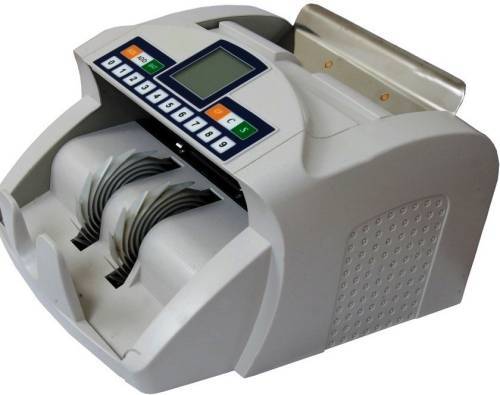
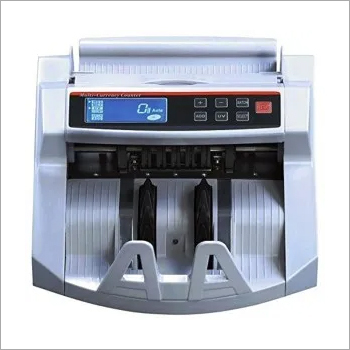
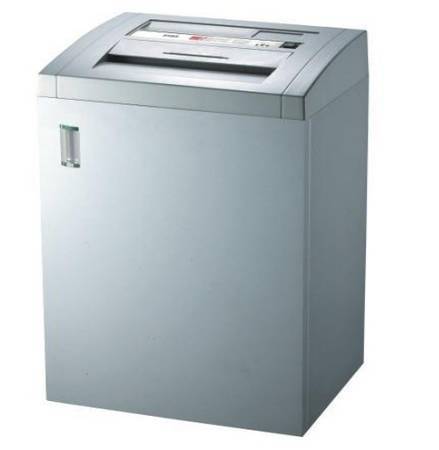

"We are accepting local inquiries only for South India."

 Send Inquiry
Our Products
- Garbage Bins & Covers
- Paper shredder & lamination Machine
- Wipers
- Mop & Accessories
- Cleaning Cloths
- Boards
- Buckets
- Liquid Chemicals
- Cleaning Powder
- Brush
- Tissues
- Newspaper Stand
- Brooms & Dustpan
- Cups & Mugs
- Air fragrance & Dispenser
- Safety items
- Vacuum Cleaners
- Currency Counting And Shredding Machine
- Batteries
- Label Manager
- Projectors & Stands
- Foldable Table
- MONITOR ARM SOLUTIONS
- Monitor Stands
- Keyboard Drawers
- Computer Accessories
- Water Bottles
- Safety Equipments
- Projector & Projector Accessories
- Disposable Items
- Boards & Accessories
- Cleaning Chemicals
- Scrubbers
- Hand Wash Dispenser
- Hand Dryer Dispenser
- Tissue Dispenser
- Mat
- Water Bottle
- Cutlery
- Magazine Stands
- Ceramic Boards
- Ceramic Magnetic Boards
- Memory Cards & Pen Drives
- CD/DVD & Hard disk
- Stands
- Cartridges & Printers
- Stapler Pins & Machines
- Covers & Envelopes
- Files & Folders
- Permanent Marker&CD/DVD Markers
- Pens&Pencils
- Sketch Pens
- Correction Pens
- Calculator
- Packaging & Adhesive Materials
- Exam Pad
- Stapler Machines & Pins
- Photo Glossy Paper
- Sketch Pens & Crayons
- Photo Glossy & Carbon Paper
- Erasers & Sharpener
- Office Needs
- Cutters & Scissors
- Chalk & Dusters
- Notebooks & Registers
- Lables
- Labels
- Other Items

No.29/15, Subbedar Hussain St, Padupakkam, Royapettah, Chennai - 600014, Tamil Nadu, India

Mr Ajit Shanaz
(Marketing Executive)
Mobile :07971191065
 Send Inquiry
 Send SMS
Developed and Managed by Infocom Network Private Limited.
